How to Create Audio
Go through the steps below to create your first audio file.
 How to Create Audio
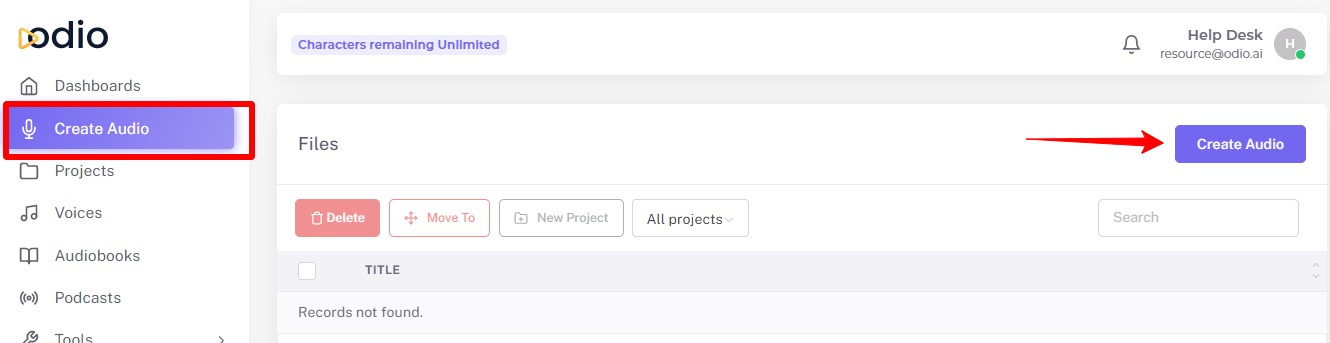
Go to the Create Audio page from the laft side navigation and click the "Create Audio" button.
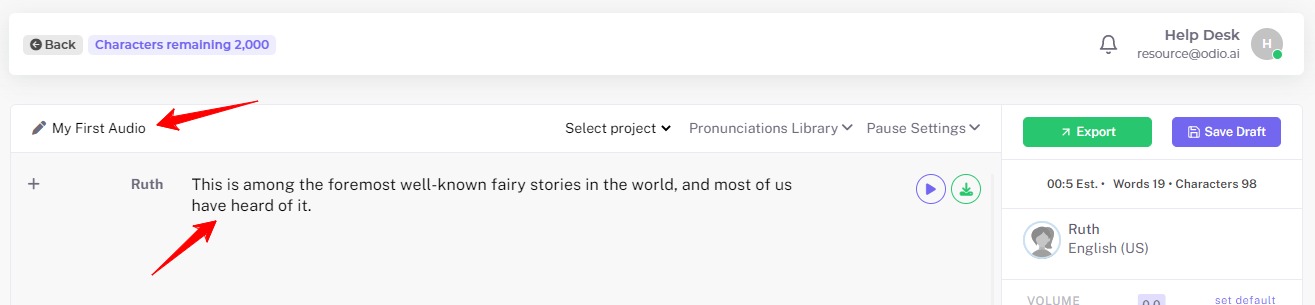
Enter the title and your text into the Editor.
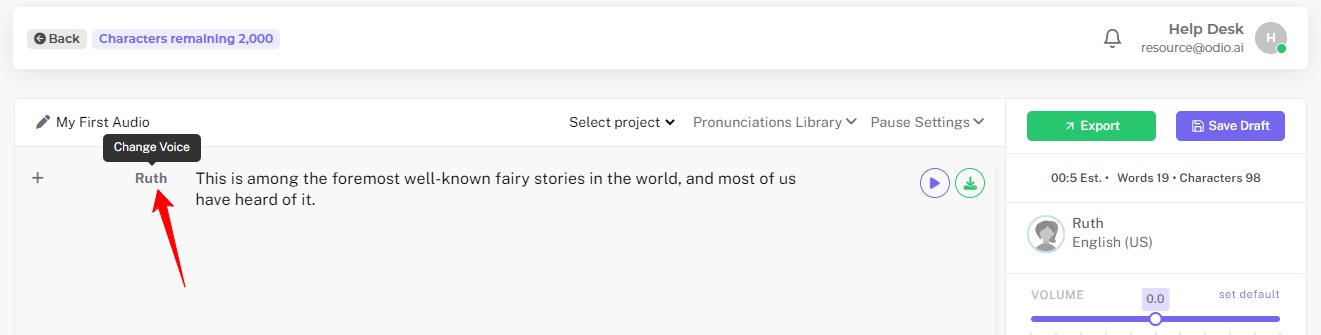
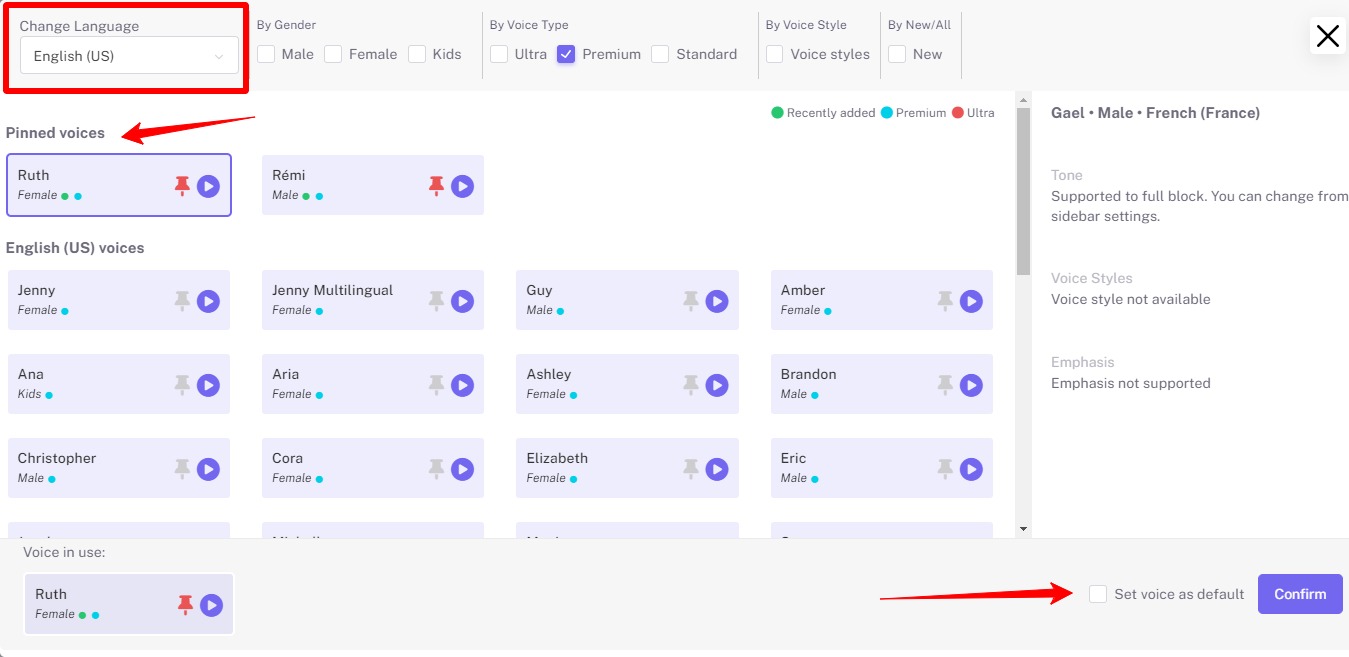
Click on Voice Name to select a language in the list and select Voice and Confirm.
You can filter the voice to suit your requirements. You can also make the voice as a Pinned, so that it will always be visible at the top to make it easier to choose.
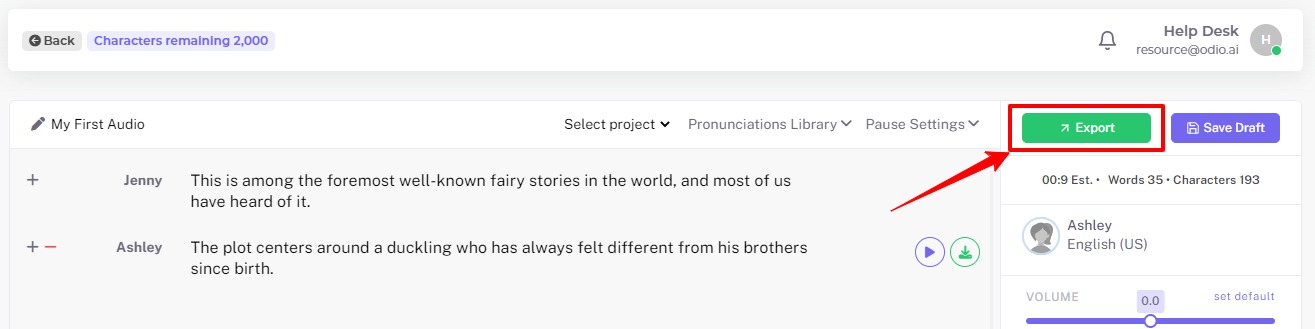
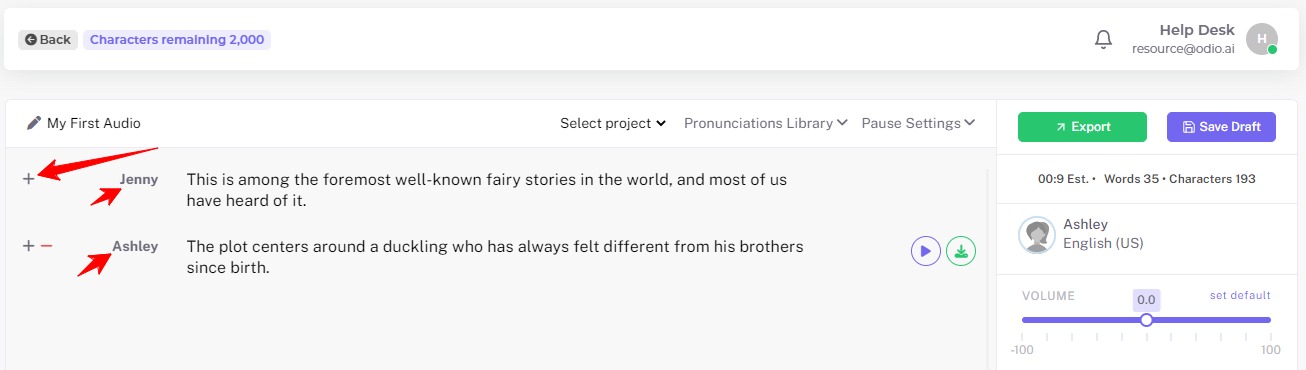
Add a new text block using the ‘+' button. You may select different voices for each block of text.
At last, click the Export button to convert to speech.